Cardholder experience
The cardholder dashboard — self-serve from day one
Every NFC card comes with a self-serve dashboard. Cardholders update their URL, manage their profile, add links, and view their tap analytics — without contacting you. Zero ongoing support work.
The cardholder dashboard — updating a URL, editing a profile, checking tap stats
Free 30-min demo · No commitment
Logging in — no password
Card owners access their dashboard via a magic link. They enter their email address, receive a one-time login link, click it, and they are in. No password to forget, no account to create, no app to install.
The magic link is tied to the email address registered on the card. If someone receives a card via transfer, they enter their new email and ownership updates automatically.
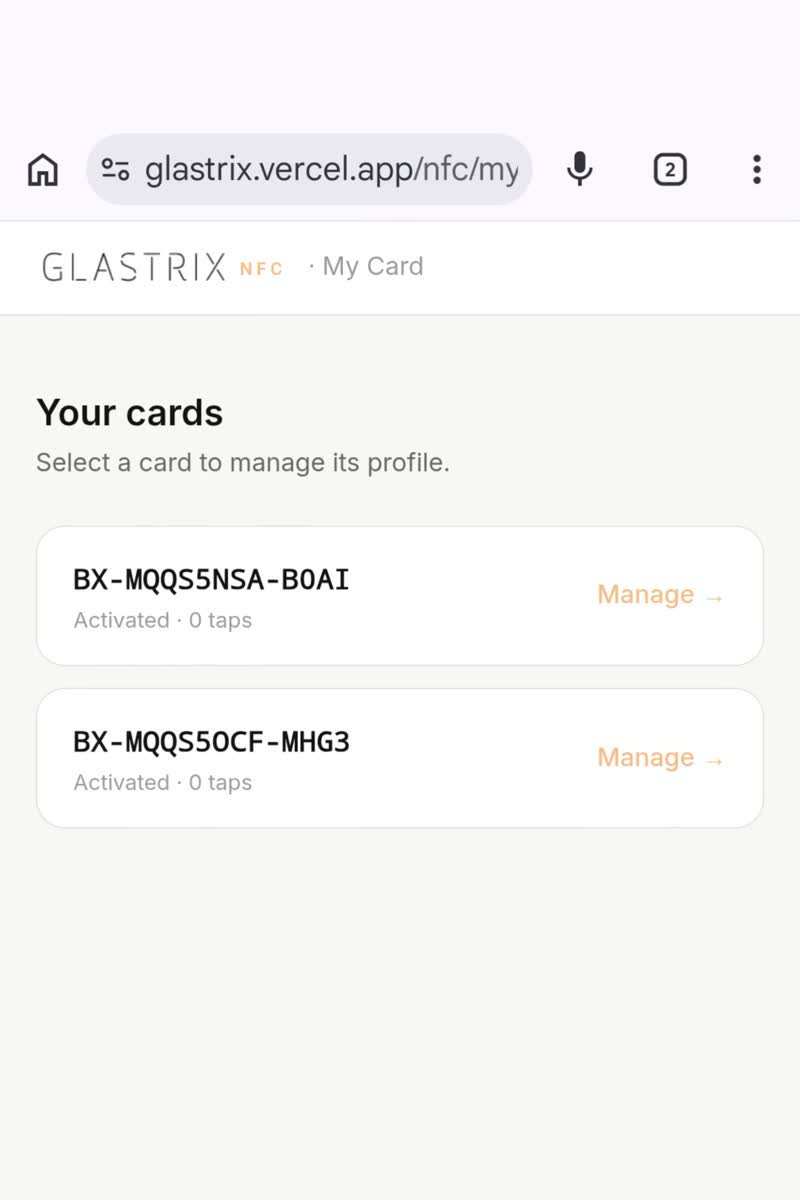
Updating the card URL
The most common thing customers need to do is change where their card points. New website. New job. New LinkedIn URL. They open the dashboard, change the URL in a single field, and hit save. The change is live in under ten seconds.
The NFC chip itself never needs to be reprogrammed — it always points to the NfcPress redirect server, which forwards to the current URL on record. This means one card can serve someone for their entire career, even as their online presence changes.
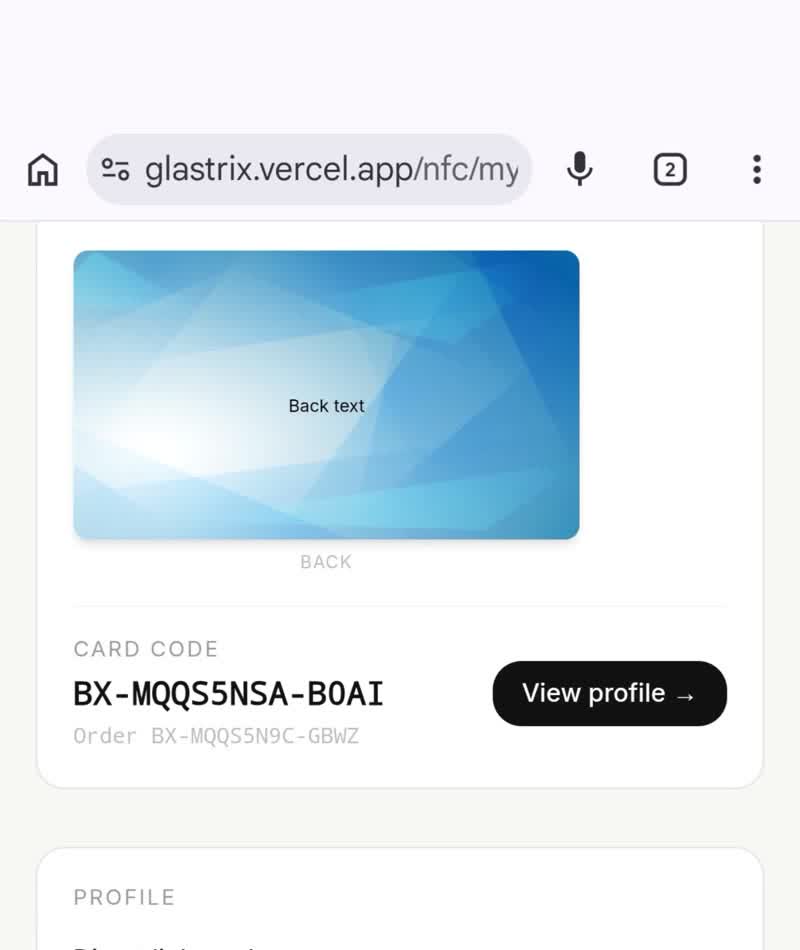
Building a hosted digital profile
Instead of pointing the card to a website URL, customers can build a profile page hosted on the NfcPress platform. This is the card's own mini-site: photo, name, title, bio, social links, and a one-tap vCard download.
When someone taps the card, they land on this profile page. They can save the vCard directly to their contacts. There is no separate app required — it loads in a mobile browser in under two seconds.
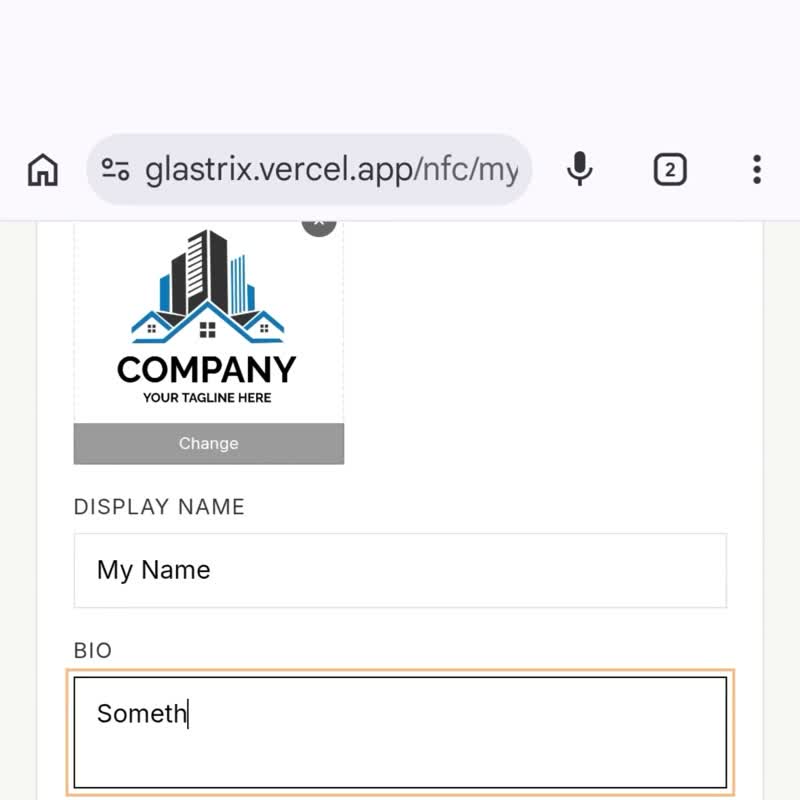
Managing links and direct-link mode
Customers can maintain a list of links on their profile — website, LinkedIn, portfolio, calendar booking, payment link, anything. Links can be reordered, toggled on or off, or deleted at any time.
For customers who want a single direct redirect (rather than a profile page), direct-link mode is a toggle. Enable it, and the card routes directly to the specified URL without showing the profile page first.
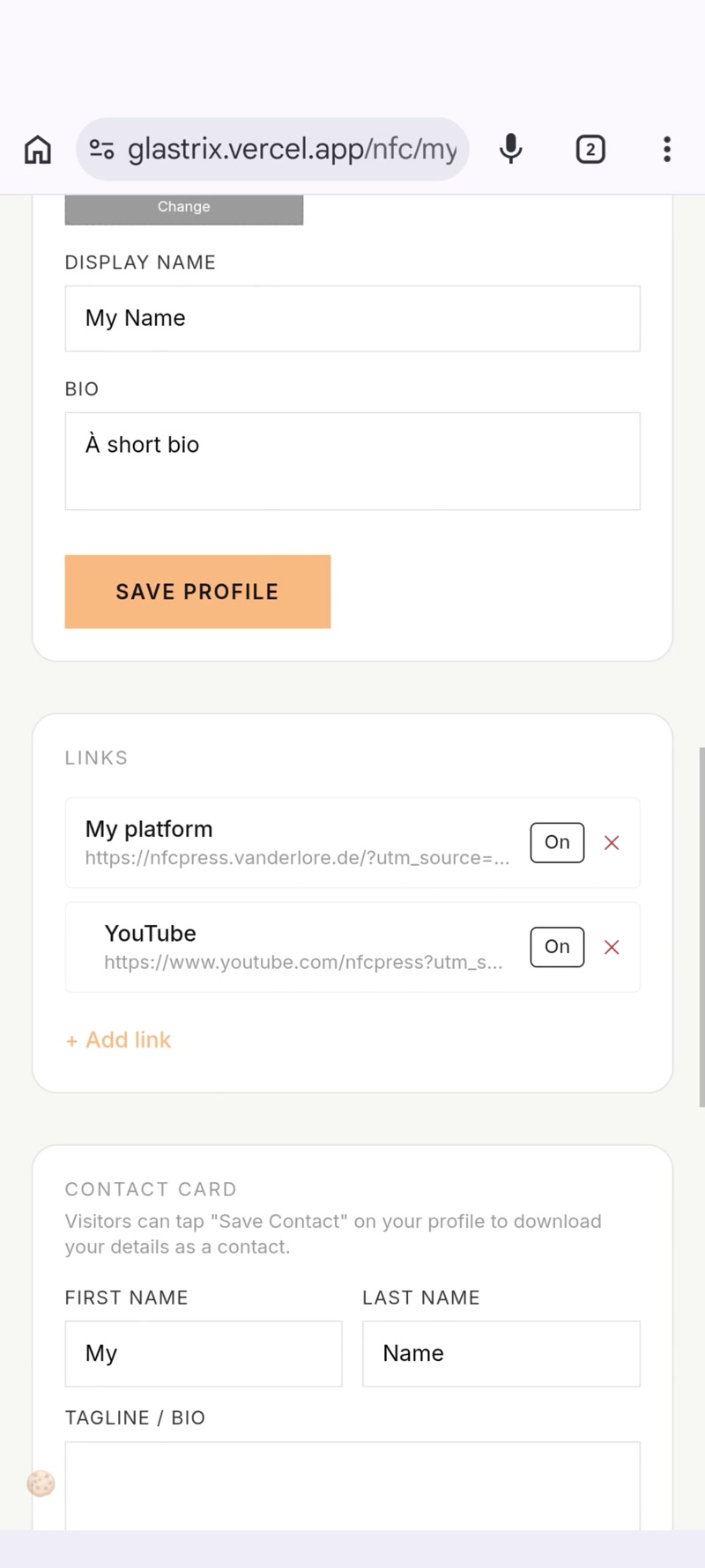
Real-time tap analytics
Every NFC tap is logged: timestamp, country, and device type. Customers see their total tap count on the dashboard, and can see the breakdown by day or country.
This is the data most people care about — not just 'does my card work' but 'is my card actually being used'. A card that has been tapped 200 times tells a different story than one that has been tapped twice.
Ready to get started?
Book a free walkthrough. We will show you the cardholder experience live — including a real tap on a live card.
Book a walkthrough →